Can the AP support multiple SSIDs with advanced VLAN tagging for separating guest, subscriber, and management traffic?
Can my AP support multiple SSIDs with advanced VLAN tagging to separate guest, subscriber, and management traffic?
Yes, an OpenWrt-based Access Point (AP) or any modern commercial AP can broadcast multiple SSIDs and map each one to its own Virtual Local Area Network (VLAN). This is exactly how to separate guest, subscriber, and management traffic on a single radio and uplink. This capability is the fundamental demarcation between a consumer AP and a commercial-grade network solution.
Multi-SSID VLAN Tagging is the core industry standard for traffic separation. OpenWrt supports creating several wireless interfaces on the same radio (e.g., “Guest”, “Subscribers”, “Mgmt”), each bridged to a distinct 802.1Q tagged VLAN which travels over a single Trunk Link to your core switch or firewall.
The ability to implement a “VLAN per SSID” model is the key to transforming hardware into a secure network architecture. This configuration requires specific setup of wireless interfaces, Ethernet switching, and Layer 3 firewall policies.
How can I configure VLAN tagging on each SSID for my network structure?
The standard configuration method is “VLAN per SSID,” where each wireless network is securely bound to a unique VLAN ID. In OpenWrt, this is achieved by creating separate network interfaces for each SSID and then mapping these interfaces to specific VLAN sub-interfaces on the physical Ethernet port (e.g., eth0.10 for Guest, eth0.20 for Subscribers).
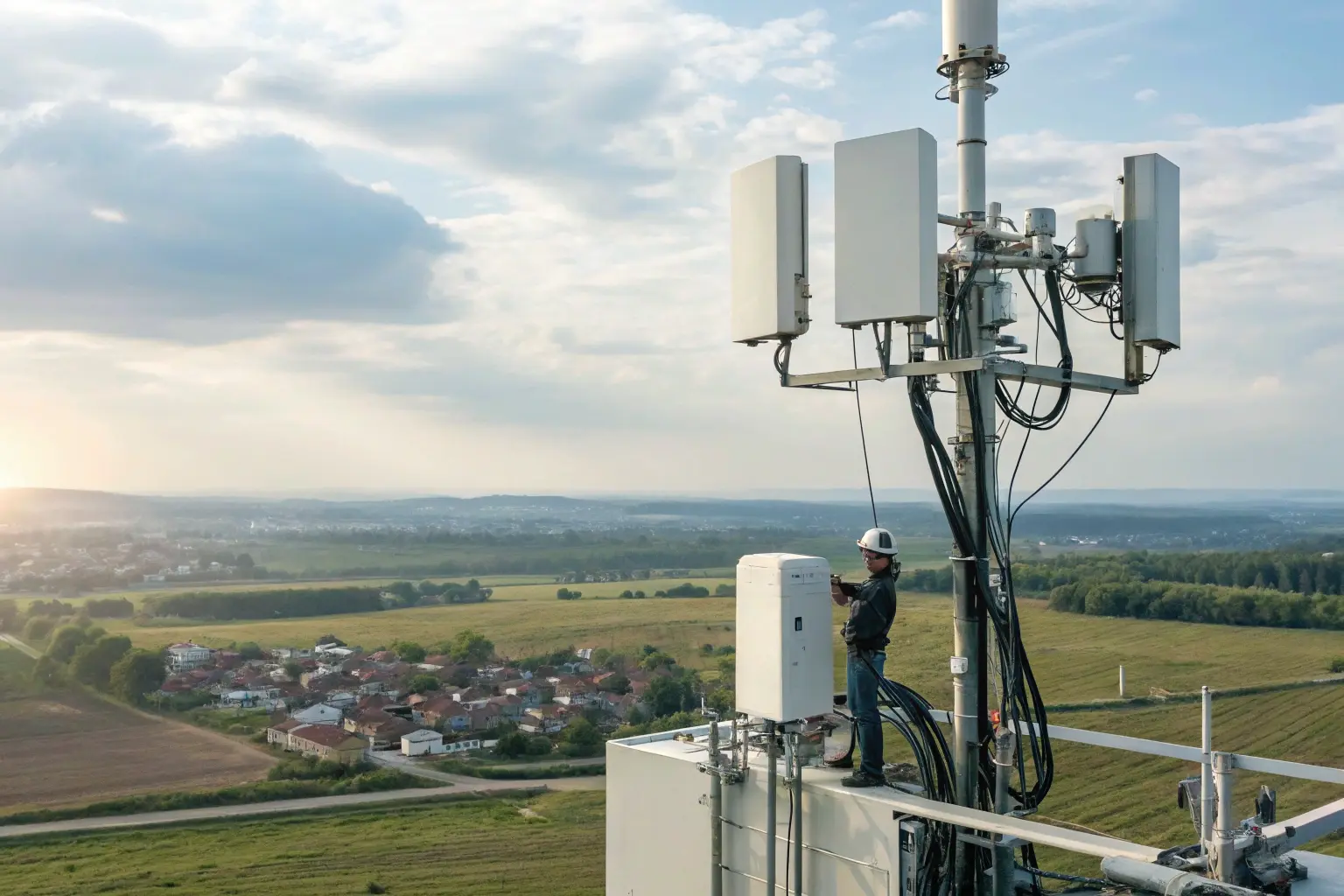
The VLAN per SSID Architecture
For this structure to function, the AP must be configured as a Dumb AP, where the upstream router/firewall handles all DHCP and routing functions. The AP’s sole job is to bridge the air traffic to the correct tagged wire traffic.
- Wireless Interfaces: Create separate wireless interfaces for each SSID (e.g., Guest, Subscriber, Mgmt) on the same radio.
- Network Bridging: Each wireless interface is added to a unique bridge (
br-guest,br-subscriber, etc.). - VLAN Sub-interfaces: The bridge is then attached to a VLAN sub-interface on the uplink port (e.g.,
eth0.10).
| SSID Name | VLAN ID | Firewall Zone | Upstream Port Configuration |
|---|---|---|---|
| ”Guest Wi-Fi” | 10 | GUEST_ZONE | Trunk Mode (Permit VLAN 10) |
| “Subscriber” | 20 | TRUSTED_ZONE | Trunk Mode (Permit VLAN 20) |
| “Mgmt-Hidden” | 99 | MGMT_ZONE | Trunk Mode (Permit VLAN 99) |
The ability to support multiple SSIDs is hardware-dependent. Older or very low-end devices may struggle to support more than 2-3 SSIDs simultaneously, so hardware selection should prioritize chipsets known for supporting the desired density.
What VLAN features do I need to maintain isolation between guest and subscriber traffic?
VLAN tagging itself only achieves Layer 2 separation; true network isolation relies on Layer 3 and Layer 4 policy enforcement. You must assign each VLAN to a distinct Firewall Zone on your upstream router/firewall and implement explicit rules to block any forwarding or communication between the Guest zone and the Subscriber zone. This is the practical implementation of a Zero Trust security model.

Layer 3 Isolation via Firewall Zones
On the router that terminates the VLAN trunk (which could be the OpenWrt AP itself, though a “Dumb AP” setup is more common):
- Separate Subnets: Ensure VLAN 10 and VLAN 20 belong to different IP subnets to prevent direct Layer 2 communication.
- Zone Policy: Create firewall zones (e.g.,
GUEST_ZONE,TRUSTED_ZONE) and set the traffic forwarding rule between them to Reject or Drop. Only traffic destined for the WAN (Internet) should be permitted from the Guest zone.
Advanced Granular Segmentation (802.1X)
For per-user or per-group isolation, you need more dynamic tools:
Dynamic VLAN Assignment with RADIUS (802.1X): OpenWrt supports WPA-Enterprise security, allowing it to function as a RADIUS Network Access Server (NAS) client. The external RADIUS server (AAA system) can assign a specific VLAN ID to a user after successful authentication, allowing multiple users on the same SSID to be instantly placed into different VLANs with unique policies.
| Isolation Feature | OpenWrt Tool/Method | Level of Isolation Achieved |
|---|---|---|
| Traffic Tagging | 802.1Q VLAN Tagging | Layer 2 (Wire) Separation |
| Inter-VLAN Block | Firewall Zones (Reject Forwarding) | Layer 3/4 Policy Enforcement |
| Per-User Isolation | RADIUS Dynamic VLAN Assignment (802.1X) | Granular Policy Control (Segmentation within an SSID) |
How do I ensure my management SSID stays fully secure when using VLAN segmentation?
The highest security standard requires completely isolating the control plane. The management traffic must sit on a dedicated, non-user accessible Management VLAN (VLAN 99). This VLAN should be firewalled to deny access from all Guest and Subscriber networks, ensuring that if a user network is compromised, the attacker cannot reach the AP’s LuCI web interface or SSH port.

Protocols and Best Practices for Management
Management isolation is non-negotiable for enterprise and WISP deployments. Best practices include:
- Hidden/Disabled SSID: Use a hidden Management SSID or, ideally, disable the wireless management interface entirely, restricting access to only a physical, hard-wired port that is explicitly assigned to VLAN 99.
- Specific Firewall Rules: On the upstream router, the
MGMT_ZONEmust have Drop or Reject rules for all incoming traffic from theGUEST_ZONEandTRUSTED_ZONE. Only connections from designated administrative IPs should be permitted. - Use a Separate Network: The management subnet should be completely segregated from user subnets (e.g., 172.16.99.0/24 for management).
The Power of Decoupling
Achieving logical network decoupling through VLANs is key to simplifying network operations. It allows network administrators to adjust network structure and security policies solely via software configuration, without requiring physical rewiring, which is a major benefit for complex, scalable deployments.
What common mistakes should I avoid when deploying multi-SSID VLAN networks?
Deployment mistakes are often rooted in switch configuration rather than the AP itself. The three most common errors are misconfiguring the uplink port as an Access port instead of a Trunk, failing to support Hardware VLAN Acceleration on the AP, and using the Native VLAN for sensitive management traffic.

Deployment Checklist and Fixes
Always verify the following before and during deployment:
- Verify Trunking: The single cable running from the OpenWrt AP to the switch/router must be configured as an 802.1Q Trunk Port. The Trunk must explicitly allow (or permit) all VLAN IDs that the AP is tagging (e.g., 10, 20, 99).
- Avoid Native VLANs for Management: Never rely on the switch’s default Untagged/Native VLAN for management access, as this is a security risk. Explicitly tag the management traffic with a dedicated VLAN ID (e.g., 99).
- Check Hardware Capabilities: Ensure the AP’s chipset supports Hardware VLAN Acceleration (or offloading). Without this, the CPU must process every tagged packet, which can lead to high latency and reduced throughput under heavy load.
| Common Mistake | Symptom | Best Practice Fix |
|---|---|---|
| Switch Port Misconfigured | Only one SSID works; clients on other SSIDs connect but cannot get an IP or access the Internet. | Set upstream port to 802.1Q Trunk Mode and permit all required VLAN IDs. |
| No Hardware Offloading | High AP CPU load and slow performance when multiple SSIDs are active. | Select hardware with VLAN offloading capability (check chipset specs). |
| Over-Trimming Protocols | Older client devices (e.g., 802.11b) cannot connect to the network. | Only disable deprecated protocols like 802.11b/g if the environment is strictly modern (802.11n/ac/ax only). |
This multi-SSID VLAN capability is a key differentiator, immediately separating a product from consumer-grade devices and positioning it as a professional, solution-oriented offering.
Mosslink Engineering Recommendations
OpenWrt’s native support for Multi-SSID VLAN is the essential feature for building secure, multi-tenant, and enterprise-grade networks. By combining Layer 2 VLAN tagging with Layer 3 firewall zones, you can successfully isolate Guest, Subscriber, and Management traffic on a single AP. We recommend choosing hardware with strong chipset support for VLAN acceleration and meticulously planning your VLAN-to-Firewall Zone mapping before deployment.
— Contact Our Global Sales Team —
We specialize in customized OpenWrt firmware development, providing solutions with pre-configured VLAN, RADIUS, and firewall isolation tailored to your business needs.
Share